

Neither a standing desk nor a traditional seated setup is perfect on its own. The real issue is prolonged static posture in either position. Research confirms that sit-stand desks reduce workplace sitting by 30 minutes to 2 hours per day in the short term, which is a meaningful shift, but well below the 2 hours experts recommend as an initial daily target, with progression toward 4 hours over time. The goal is not to stand all day instead of sitting all day. It is to move more, vary your posture, and set up your workstation correctly regardless of which position you are in.
Standing desk advantages at a glance:
Sitting desk risks to know:
The case against sitting all day is well established. People who sit for extended periods face higher risks of cardiovascular disease, type 2 diabetes, and certain cancers. Musculoskeletal complaints, particularly neck and lower back pain, are also common among workers who stay seated for most of the day.
Standing desks address sedentary time, but they are not a cure-all. A scoping review of 53 studies found that sit-stand desks effectively change behavior, reducing sitting and increasing standing, but these changes only mildly affect health outcomes. The physiological benefits are real but modest.
| Factor | Prolonged Sitting | Prolonged Standing |
|---|---|---|
| Cardiovascular risk | Elevated with extended daily sitting | Minimal direct risk |
| Blood sugar regulation | Worsens with unbroken sitting bouts | Modest improvement |
| Lower back pain | Common with poor seated posture | Can worsen without movement |
| Leg and foot discomfort | Rare unless posture is poor | Common after 40+ minutes |
| Calorie burn | Lower baseline | Slightly higher than sitting |
| Mood and focus | Can decline with long sedentary periods | Improves when used to break sitting |
Key finding: Sit-stand desks reduce sitting by 30 minutes to 2 hours per workday, but this falls short of the 2–4 hours recommended by occupational health experts.
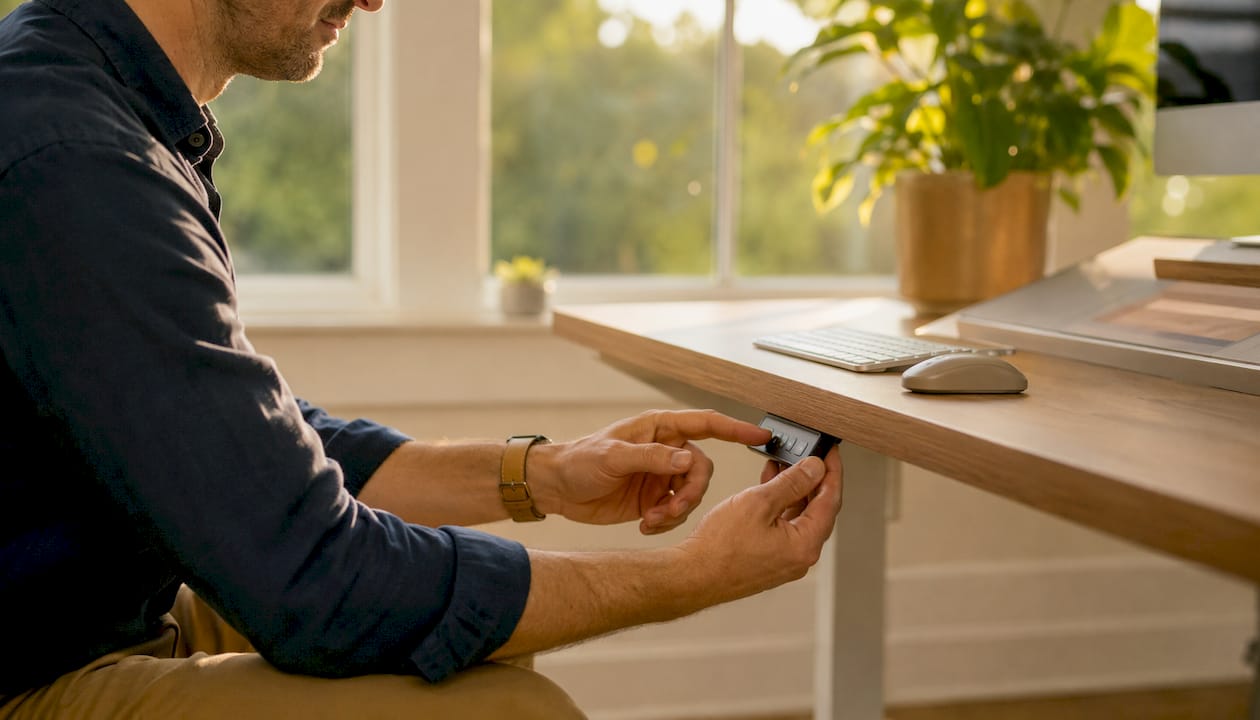
Proper setup determines whether your desk helps or hurts you. The most common mistake is setting the monitor too low, which forces your neck into a forward flexed position for hours. Before you buy or adjust any desk, measure the distance from the floor to the crook of your elbow while standing naturally. That measurement is your target desk height.
Core ergonomic checkpoints:
Maintaining neutral spine alignment matters more than whether you are sitting or standing. A slouched standing posture causes just as much strain as a slouched seated one.
Pro Tip: Measure your standing desk height from the floor to your elbow crook before purchasing. Getting this wrong by even a few centimeters shifts strain directly to your neck and shoulders.
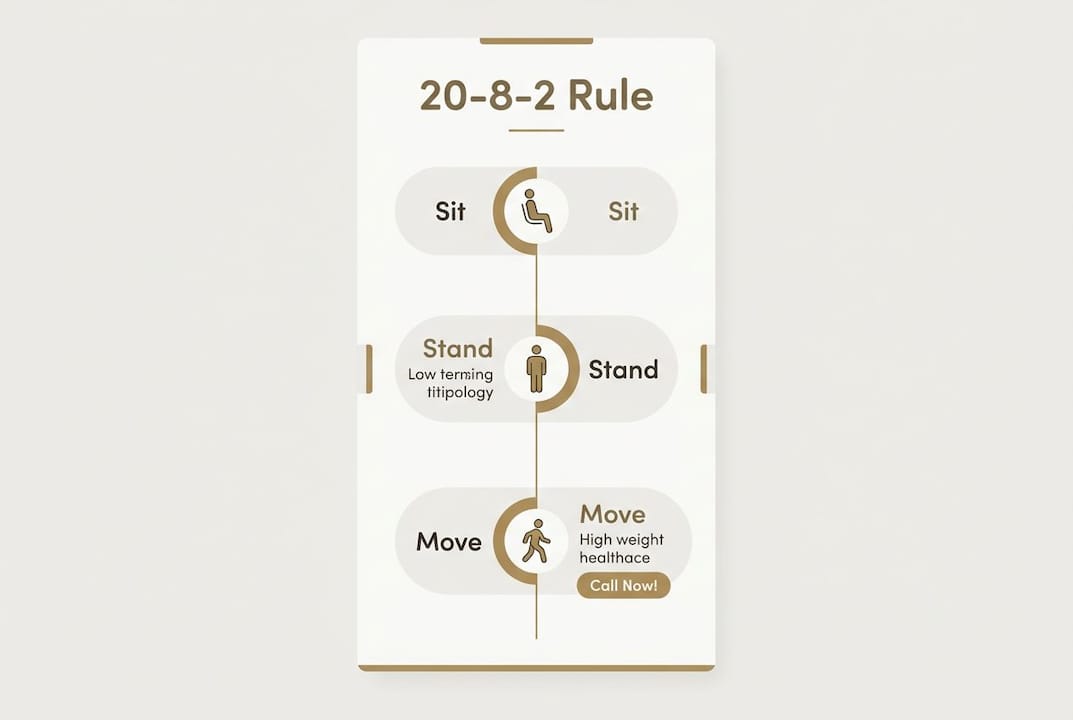
The 20-8-2 rule is a practical protocol for sit-stand desk use: 20 minutes sitting, 8 minutes standing, and 2 minutes of light movement, repeated throughout the workday. It directly addresses static overload, the fatigue and joint strain that builds when you hold any single posture too long.
Canadian occupational health guidance aligns with this approach. Experts recommend starting with standing totaling up to 2 hours per workday and gradually progressing toward 4 hours, combined with light walking. The key word is gradually. Jumping straight to long standing periods causes the same kind of overuse strain that prolonged sitting does.
Practical tips for building a sit-stand routine:
Standing desks come with genuine risks that are often underplayed in marketing. Prolonged standing causes muscle fatigue, lower limb swelling, and increased pressure on the hips, knees, and feet. People with pre-existing conditions such as plantar fasciitis, varicose veins, or knee osteoarthritis can experience faster symptom onset when standing without adequate support.
Footwear and floor surface matter more than most people expect. Standing on a hard floor without an anti-fatigue mat, or in flat unsupportive shoes, accelerates foot and knee discomfort considerably. If you already experience foot pain while standing, custom orthotics can make a meaningful difference before you invest in a new desk.
Common standing desk pitfalls:
Alberta has solid options for sourcing sit-stand desks locally, whether you want to try before you buy or need same-week delivery.
| Store | Specialty | Best For |
|---|---|---|
| Source Office Furniture | Ergonomic office desks, standing desks | Workplace ergonomic setups |
| Staples | Brand-name office furniture and electronics | Quick purchase, wide selection |
| Leon’s / The Brick | General home and office furniture | Budget-friendly options |
| JYSK Edmonton | Affordable home office furniture | Home office on a budget |
| Crate & Barrel | Stylish home furniture | Design-conscious buyers |
For personalized ergonomic assessment and musculoskeletal support, Shephardhealth provides evidence-based chiropractic care focused on neutral posture, movement, and injury prevention.
Alberta’s workforce includes a high proportion of office-based and remote workers, many of whom transitioned to home setups without proper ergonomic guidance. That shift created a wave of soft tissue injuries tied directly to improvised workstations, including kitchen tables, couches, and laptop-only setups. Sit-stand desks address part of this problem, but only when paired with correct posture habits.
Musculoskeletal complaints most often result from static ergonomics, holding any position without variation, rather than from sitting or standing specifically. Dynamic posture variation is the core principle behind every credible ergonomic guideline, and it applies equally to Alberta workers at home or in the office.
Canada’s occupational health framework, including guidance from the Canadian Centre for Occupational Health and Safety (CCOHS), recommends a five-minute movement break for every 40–50 minutes of sitting. ISO 11226:2000, an international standard referenced in Canadian workplace guidelines, sets prolonged sitting at no more than 2 hours over an 8-hour workday without interruption.
An international expert panel cited in Cochrane research recommends that desk-based workers accumulate at least 2 hours of standing and light activity per workday, progressing toward 4 hours over time. These are targets, not minimums, and they are meant to be built toward gradually rather than adopted overnight.
Start with 15–20 minutes of standing per hour for the first two weeks. Your feet, calves, and lower back need time to adapt to load-bearing in a new position. Rushing this process is the most common reason people abandon their standing desks within the first month.
Wear supportive footwear from day one, and place an anti-fatigue mat under your standing position. If you notice persistent lower back, hip, or knee discomfort after two to three weeks, consult a chiropractor before continuing. A chiropractic assessment can identify whether your pain stems from posture, muscle imbalance, or a pre-existing condition that needs a modified approach.
Alternating between sitting and standing throughout the workday, with regular movement breaks, produces better health outcomes than either posture alone.
| Point | Details |
|---|---|
| Reduce sitting gradually | Sit-stand desks reduce workplace sitting by 30 minutes to 2 hours per workday, but this is below the 2 hour initial expert target; gradually progress toward 4 hours with light walking over weeks. |
| Follow the 20-8-2 rule | 20 minutes sitting, 8 standing, 2 moving reduces static overload and joint strain effectively. |
| Limit standing to 40 minutes | Standing beyond 40 minutes without a break increases muscle fatigue, leg swelling, and joint pain. |
| Ergonomic setup is non-negotiable | Elbows at 90 degrees, monitor at eye level, and desk height measured from floor to elbow crook prevents neck and shoulder strain. |
| Get professional guidance if pain persists | Persistent discomfort after transitioning warrants a chiropractic assessment to rule out underlying musculoskeletal issues. |
If you are experiencing neck, back, or joint pain related to your desk setup, the team at Shephardhealth offers personalized, evidence-based care to help you work comfortably and without pain. Book a chiropractic visit to get a posture and ergonomics assessment tailored to your needs.

Same Day Appointments Available
We Direct Bill!